
Best Value Model for OpenClaw: Price-Performance Guide & Full Model List (2026)
Prerequisites
- Node.js 22+ (
node --version) - Terminal (macOS/Linux/WSL)
- API keys for chosen providers (Anthropic, xAI, Moonshot, Google, OpenAI)
- 8 GB+ RAM (16 GB recommended)
- Chat app for pairing (Telegram/WhatsApp/etc.)
OpenClaw runs locally — keep it on or use a cheap VPS for always-on agents.
Step 1: Install OpenClaw
npm install -g openclaw@latest
Verify:
openclaw --version
Step 2: Run Onboarding
openclaw onboard --install-daemon
Complete pairing and basic setup.
Step 3: Model Comparison – Choose by Price/Performance
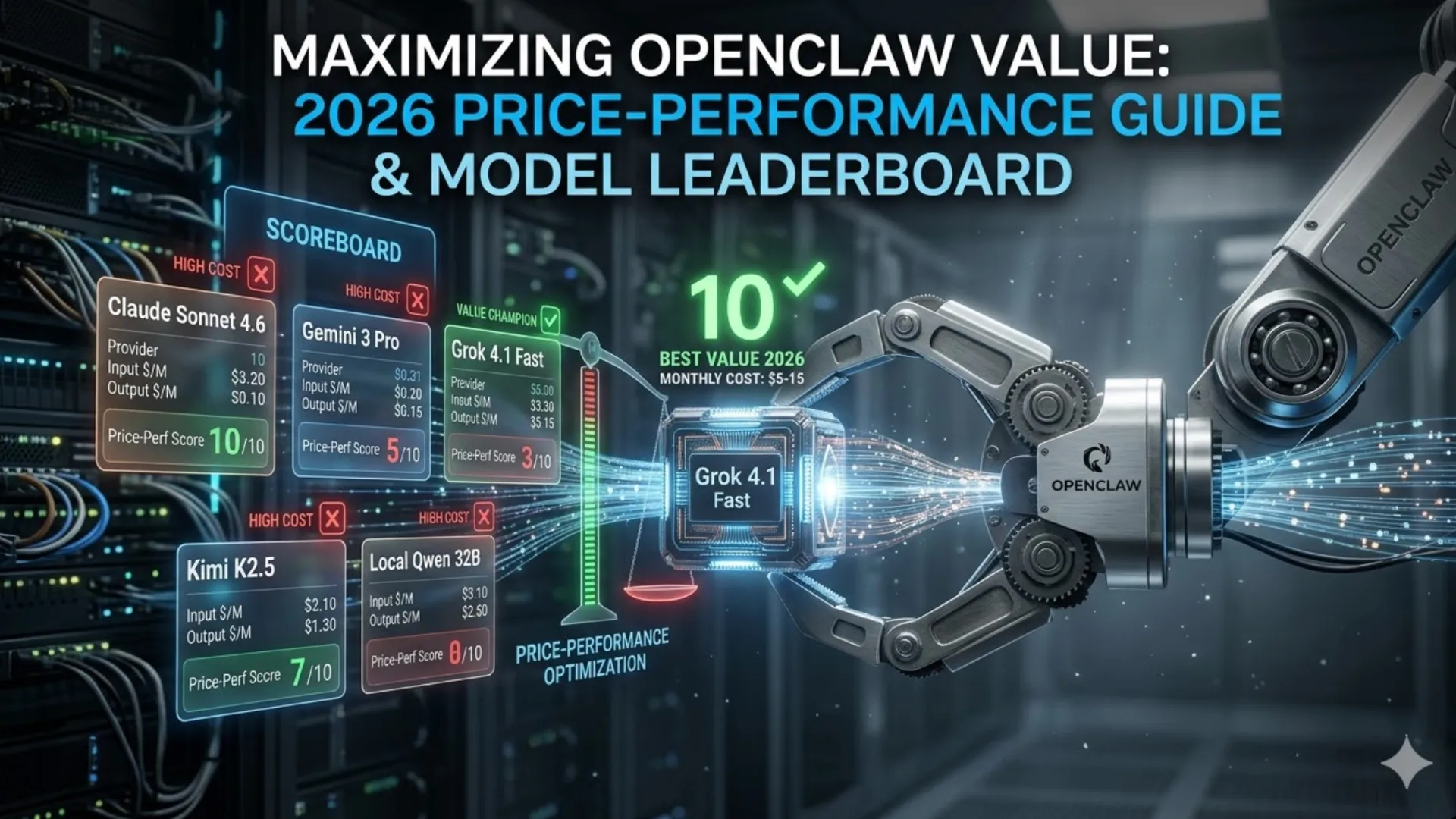
OpenClaw is model-agnostic. Here’s the 2026 price-performance leaderboard for real agent use (tool-calling, long context, automation). Prices are per million tokens (standard tier, no cache/batch discounts yet).
| Model | Provider | Input $/M | Output $/M | Context | Best For | Price-Perf Score (1-10) | Monthly Cost Estimate* |
|---|---|---|---|---|---|---|---|
| Grok 4.1 Fast | xAI | 0.20 | 0.50 | 2M | High-volume agents, research | 10 | $5–15 |
| Kimi K2.5 | Moonshot | 0.60 | 3.00 | 262K | Reasoning + tools | 9 | $10–25 |
| Claude Sonnet 4.6 | Anthropic | 3.00 | 15.00 | 1M | Reliable daily automation | 8 | $30–80 |
| Gemini 3 Pro | 2.00 | 12.00 | 1M | Multimodal + speed | 7 | $25–60 | |
| Claude Haiku | Anthropic | ~1.00 | ~5.00 | 200K | Fast fallbacks | 9 (speed) | $5–10 |
| Local Qwen3.5 32B | Ollama | 0 | 0 | 128K | Privacy/offline | 7 (weaker tools) | $0 |
*For typical 1–2M tokens/day agent usage.
Winner for most users: Grok 4.1 Fast — cheapest by far, huge context, excellent agentic performance. Use Claude Sonnet 4.6 as primary fallback for mission-critical reliability.
Step 4: Set Your Primary Model (Best Value Setup)
For Grok 4.1 Fast (top recommendation):
openclaw models providers add xai --base-url https://api.x.ai/v1 --key YOUR_XAI_KEY
openclaw models set xai/grok-4.1-fast
For Kimi K2.5 (strong alternative):
openclaw models providers add moonshot --base-url https://api.moonshot.cn/v1
openclaw models set moonshot/kimi-k2.5
For Claude Sonnet 4.6 (balanced/reliable):
openclaw models set anthropic/claude-sonnet-4-6
Add cheap fallback:
openclaw models fallbacks add anthropic/claude-haiku
openclaw models fallbacks add xai/grok-4.1-fast
Check status:
openclaw models status
Step 5: Configure Image/Vision & Smart Fallbacks
openclaw models set-image google/gemini-3-pro
openclaw models image-fallbacks add openai/gpt-4o-mini
Step 6: Test & Monitor Costs
openclaw agent --message "Plan my week and check flight prices" --thinking medium
In chat: /model status or /cost today (shows real-time spend).
Step 7: Local Zero-Cost Option
openclaw models set ollama/qwen3:32b
Great for testing/privacy; use as final fallback.
Common Issues & Troubleshooting
- High bill: Switch to Grok/Kimi first, enable fallbacks aggressively. Check Anthropic/OpenAI dashboard.
- Model not found: Add via
openclaw models providers addfor custom (xAI/Moonshot). Runopenclaw doctor. - Slow/poor tools: Claude Sonnet outperforms on complex agent loops — use as primary for critical tasks.
- Context limits: Grok’s 2M window wins for big documents.
Run openclaw doctor weekly.
Next Steps
- Add cost alerts in config (
~/.openclaw/config.json). - Build skills for email/calendar (community registry has 5k+).
- Update:
openclaw updatefor latest model support. - Scale: Run multiple agents with different models (Grok for cheap volume + Claude for precision).
Start with Grok 4.1 Fast — you’ll save hundreds per month while keeping full agent power.