
Gracefully Handle OpenClaw API Overload Errors: Keep Your AI Agents Running
Prerequisites
- OpenClaw installed and running (latest version via
npm install -g openclaw@latestor Docker setup). - At least one active API key or OAuth profile from a provider like Anthropic, OpenAI, or Google.
- Basic access to your terminal and the
~/.openclaw/directory. - A messaging channel (Telegram, WhatsApp, etc.) connected to test responses.
Non-obvious note: Overload errors in OpenClaw often stem from internal cooldowns or bloated session transcripts rather than true provider limits. Always run the latest version to benefit from fixed false-positive handling.
Step 1: Set Up the Environment
Verify your installation and check current status:
openclaw --version
openclaw status --all
Expected output: Shows active gateways, models, and any cooldown flags like cooldownUntil for profiles.
If issues appear, run the built-in fixer:
openclaw doctor --fix
This auto-corrects most config mismatches and clears transient errors.
Step 2: Understand the Overload Errors
OpenClaw triggers "AI service is temporarily overloaded" or rate-limit messages on:
- True 429/TPM limits from providers.
- Bloated context (huge
.jsonltranscripts re-sent every turn). - Internal cooldowns after timeouts or misclassified 5xx responses.
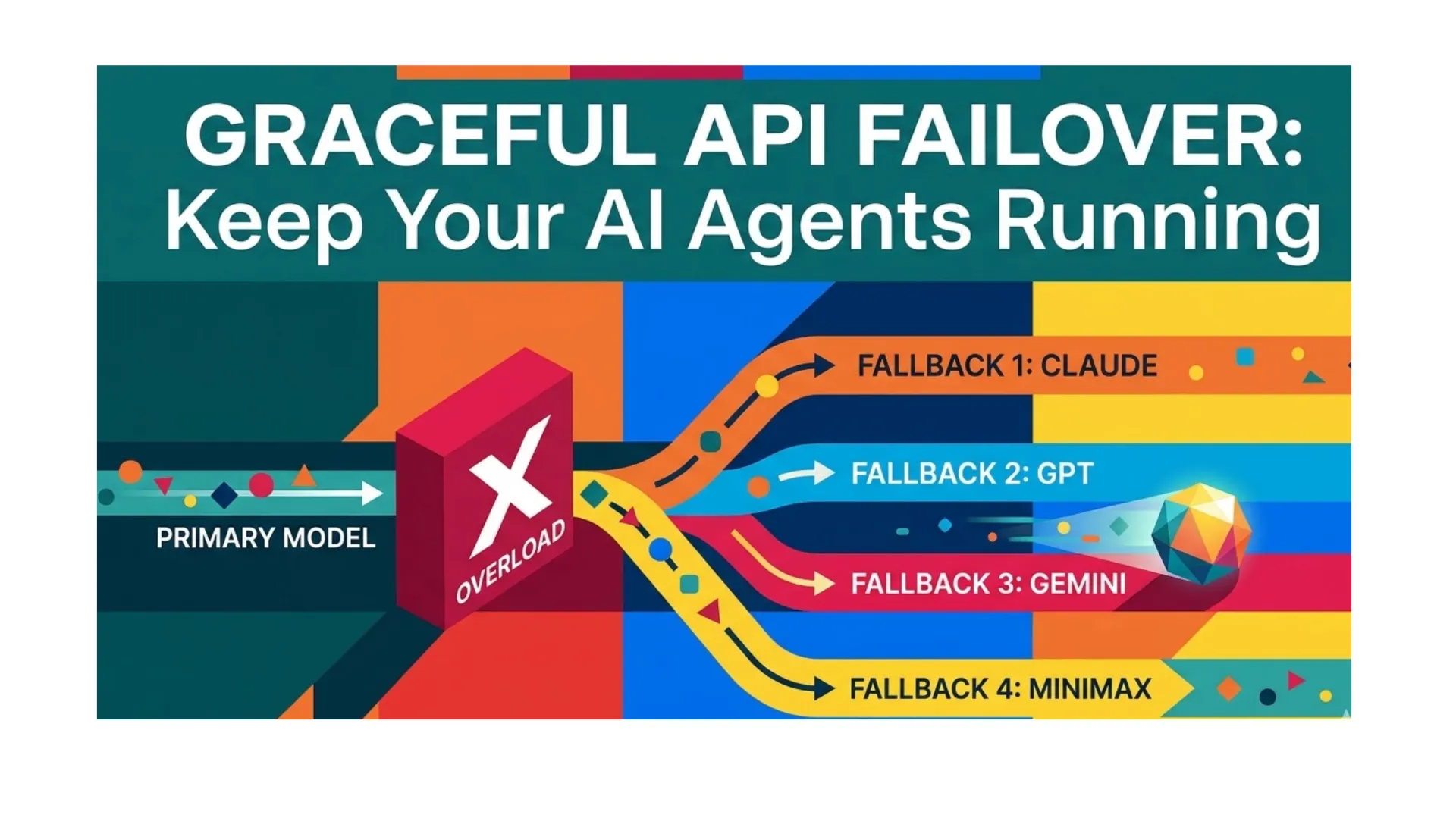
The gateway uses exponential backoff (1 min → 5 min → 25 min → 1 hr) and rotates auth profiles before falling back to other models. Graceful handling means configuring fallbacks and resetting state proactively.
Step 3: Configure Model Fallbacks for Automatic Switching
Edit your main config to enable seamless failover:
nano ~/.openclaw/openclaw.json
Add or update the defaults section:
{
  "agents": {
    "defaults": {
      "model": {
        "primary": "anthropic/claude-opus-4",
        "fallbacks": [
          "openai/gpt-5.4",
          "google/gemini-3-flash-preview",
          "minimax/MiniMax-M2.5"
        ]
      }
    }
  }
}
Save and restart the gateway:
openclaw gateway restart
How it works: When all profiles for the primary model hit cooldown (rate limit or overload), OpenClaw instantly tries the next in fallbacks. No manual intervention needed for most cases.
Step 4: Monitor and Manage Cooldowns
Check live profile health:
openclaw status --all
Expected output example:
Provider: anthropic/claude-opus-4
  cooldownUntil: 2026-03-12T17:45:00Z
  errorCount: 3
Cooldowns auto-expire, but force a reset if stuck:
openclaw reset --scope sessions
This clears pinned sessions without losing credentials. For full profile recovery:
openclaw reset --scope config+creds+sessions --yes
Step 5: Clear Bloated Conversation State
Large transcripts are the #1 hidden cause of persistent overloads.
In your chat channel, send:
/reset
Or use CLI for bulk cleanup:
openclaw sessions prune --older-than 24h
Pro tip: Enable daily auto-reset in config:
{
  "session": {
    "reset": {
      "mode": "daily",
      "atHour": 4
    }
  }
}
Restart gateway afterward. This keeps context lean and prevents overload loops.
Step 6: Add Custom Retries for Advanced Agents
For skills or plugins that call external APIs, wrap requests with retry logic.
Example plugin snippet (in your custom skill):
async function callWithRetry(apiFn, maxRetries = 3) {
  for (let attempt = 0; attempt < maxRetries; attempt++) {
    try {
      return await apiFn();
    } catch (err) {
      if (!err.message.includes('overloaded') && attempt === maxRetries - 1) throw err;
      await new Promise(r => setTimeout(r, 1000 * Math.pow(2, attempt)));
    }
  }
}
Register the skill via openclaw skills enable your-skill and test with a sample message.
Common Issues & Troubleshooting
- False rate limits on all models: Update OpenClaw (
npm install -g openclaw@latest) — recent fixes changed default cooldown reason to "unknown" for faster recovery. - Overload after complex tasks: Prune sessions immediately; large RAG/context injection triggers it.
- Fallbacks not triggering: Confirm order in
openclaw.jsonand restart gateway. Primary must fail completely before next activates. - Persistent cooldown after restart: Run
openclaw reset --scope sessionsor manually delete~/.openclaw/agents/*/agent/auth-profiles.json(backup first). - High costs during failover: Prioritize cheaper fallbacks like Gemini Flash or MiniMax in the array.
If openclaw status still shows errors, run openclaw doctor --fix again and check provider dashboards for actual quotas.
Next Steps
- Test your setup with deliberate overload simulation: send rapid complex queries and watch fallbacks kick in.
- Add logging: enable verbose mode with
openclaw gateway --verbosefor production monitoring. - Explore provider-specific tweaks (e.g., Anthropic OAuth for higher limits).
- Scale to multi-agent setups by duplicating fallbacks per agent ID.
Your OpenClaw agents will now recover silently from overloads, delivering uninterrupted AI assistance.