
Decision information
Manual verification pending- Ecosystem category
- Infrastructure
- Content type
- Resource
- Pricing
- Open Source
- Open source
- Yes
- License
- Not recorded
- Maintenance
- Unknown
- Install methods
- Source
- Platforms
- Not recorded
- Interfaces
- Web
Security signals (informational, not a security certification)
Source availableRequires browser access
Overview
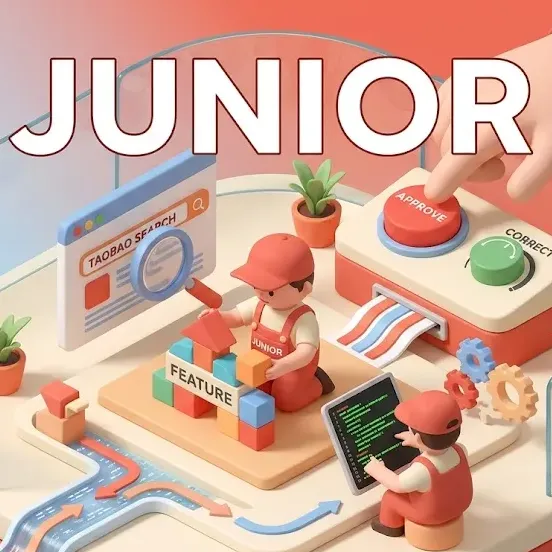
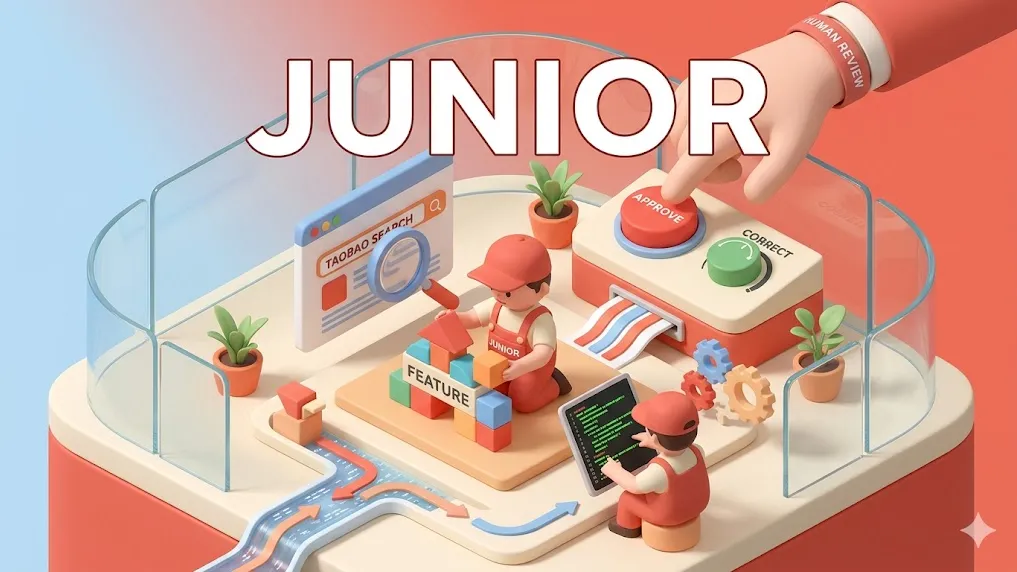
OpenClaw is frequently called "your junior developer" or "the most dangerous junior hire" in the AI agent community. Instead of treating it like traditional software, users run it as a supervised employee: it can open browsers, click buttons, write code, search Taobao, generate reports, or orchestrate multi-agent teams — but always under human review.
This use-case turns OpenClaw into a 24/7 junior team member that never sleeps, never complains, and scales instantly.
Why People Call It "Junior"
- Autonomous but fallible: It makes "junior developer mistakes" (e.g., pushing test code to production) — exactly like a real junior dev.
- Trainable: Give it instructions once and it remembers context across sessions.
- Supervised workflow: Review every action, approve tool calls, and add guardrails.
- Multi-agent teams: Manager → Senior-Dev → Sisyphus-Junior (the focused task executor in Oh-My-OpenCode skill).
Real-World Use Cases
-
Coding & Development
- Build full features from natural language prompts.
- Run tests, fix bugs, and commit changes (with approval).
- Example: "Junior, implement a dark mode toggle and run the test suite."
-
Browser Automation (Daily Tasks)
- Log into banking sites, check invoices, or scrape competitor prices.
- Example: "Search Taobao for iPhone 16, list the top 3 prices, and screenshot the results."
-
QA & Testing
- Act as a QA junior: open your app in Chrome, click every button, report bugs.
- Example: LinkedIn users have turned OpenClaw into a "QA employee" that runs regression tests overnight.
-
Business Workflows
- Process orders, reply to customer messages on WeChat/Telegram, update spreadsheets.
- Multi-agent setups: One agent plans, Sisyphus-Junior executes, another reviews.
-
Personal Assistant
- Manage your calendar, book flights, or research topics while you sleep.
How to Set It Up as Your Junior
# Start your "junior" instance
openclaw gateway start

# Use Relay Extension for logged-in sessions (cookies, accounts)
openclaw browser --browser-profile user start

# Give it a name and personality
# In chat: "You are now my Junior Developer. Always ask for approval before committing code."
Safety & Best Practices (Treat It Like a Real Junior)
- Always supervise: Use approval flows (
/approvein Discord/Slack) and--no-sandboxonly in isolated VMs. - Guardrails: Limit tools, set maxTokens, and use prompt_append for "never share keys".
- Review output: Never let it push to production without human sign-off.
- Isolation: Run in Docker or a dedicated VM with no sensitive data.
- Sisyphus-Junior specific: Configure categories in Oh-My-OpenCode for fast vs. deep tasks.
Common Pitfalls & Lessons Learned
- Junior mistakes: Posting tests to production, forgetting to clean up data.
- Timeout issues: Complex tasks need higher announce delivery timeouts.
- Security: One prompt injection can leak keys — treat it as "dangerous junior hire".
- Cost control: Monitor token usage; start with cheaper models (Claude Haiku) for simple tasks.
Next Steps
- Install the Oh-My-OpenCode skill for full multi-agent orchestration (Sisyphus + Sisyphus-Junior).
- Deploy to VPS/Docker for always-on junior team.
- Add channels (Telegram, Discord, WeChat) so your junior can message you for approvals.
- Explore remote browsers (Browserbase) for 24/7 cloud juniors.
Run openclaw browser start and tell your new junior: "Welcome to the team!" — then watch it work while you focus on senior-level decisions.
Tags
ai-agentjunior-developerautomationcodingbrowser-controlmulti-agentopenclaw