

Pi Agent
Pi is a minimal, open-source terminal coding agent designed to be customized around a developer's workflow. It combines multi-model support, local coding tools, Agent Skills, TypeScript extensions, tree-structured sessions, and programmatic SDK/RPC modes without forcing heavyweight agent abstractions into the core.
Decision information
Manual verification pending- Ecosystem category
- Infrastructure
- Content type
- Resource
- Pricing
- Unknown
- Open source
- Unknown
- License
- Not recorded
- Maintenance
- Unknown
- Install methods
- Not recorded
- Platforms
- Not recorded
Pi, commonly referred to as Pi Agent or Pi Coding Agent, is a minimal terminal-based AI coding harness built for developers who want control over how their coding agent works. Rather than bundling every popular agent feature into a fixed interface, Pi provides a small core that can be extended with TypeScript extensions, Agent Skills, prompt templates, themes, custom providers, and reusable Pi packages.
The project is maintained by Earendil Inc. and contributors, is available under the MIT License, and is developed publicly at github.com/earendil-works/pi.
Features
Local Coding Agent
Pi operates directly inside a project directory and gives the selected language model tools for interacting with the codebase. Its default toolset includes:
readfor reading fileswritefor creating or replacing fileseditfor applying targeted editsbashfor executing shell commands
Additional read-only tools such as grep, find, and ls can also be enabled. This lets Pi inspect repositories, modify source code, run tests, execute build commands, analyze errors, and perform normal development workflows from the terminal.
Multi-Model and Multi-Provider Support
Pi is intentionally model-independent. It supports a large catalog of commercial, cloud, gateway, and local model providers rather than tying the agent to a single AI vendor.
Supported options include providers such as:
- Anthropic
- OpenAI
- Google Gemini
- DeepSeek
- xAI
- Mistral
- Groq
- Cerebras
- NVIDIA NIM
- OpenRouter
- Amazon Bedrock
- Azure OpenAI
- Google Vertex AI
- Cloudflare AI Gateway
- Cloudflare Workers AI
- Hugging Face
- Together AI
- Fireworks
- MiniMax
- Kimi For Coding
- llama.cpp and local model configurations
Pi can also authenticate with several subscription-backed services through /login, including supported ChatGPT Plus/Pro Codex access, Claude Pro/Max, GitHub Copilot, xAI, OpenRouter, and Radius configurations.
Models can be changed during an active session with /model or keyboard shortcuts, making Pi particularly useful for developers who compare models or use different models for planning, coding, debugging, and review.
Extensibility
Extensibility is one of Pi's defining features. The project deliberately treats many capabilities as composable primitives instead of permanent built-in features.
TypeScript extensions can add or modify:
- Agent tools
- Slash commands
- Keyboard shortcuts
- Event handlers
- Context processing
- Custom user interfaces
- Model providers
- Authentication flows
- Workflow logic
- Permission systems
- Sandboxing integrations
- Memory or RAG systems
Extensions can even modify Pi's behavior while it is running; after changing an extension, /reload can reload the configuration without requiring an entirely new workflow.
Agent Skills
Pi implements the Agent Skills format for reusable capabilities. Skills are self-contained packages that can include instructions, scripts, references, and assets for specialized tasks.
A typical skill contains a SKILL.md file describing when and how the skill should be used. Pi initially exposes skill names and descriptions to the model and loads the complete instructions only when needed, reducing unnecessary context usage.
Skills can be installed globally, stored inside projects, provided by Pi packages, or loaded from explicit paths. Pi can also reference compatible skill directories created for other agent environments, including Claude Code and OpenAI Codex workflows.
Skills can be manually invoked with commands such as:
text /skill:code-review /skill:pdf-tools extract
This makes Pi useful as a lightweight host for a growing ecosystem of reusable agent capabilities.
Pi Packages
Extensions, skills, prompt templates, and themes can be bundled into Pi packages and shared through npm or Git repositories.
For example:
bash pi install npm:@example/pi-tools
This package model allows teams to build reusable internal agent configurations while also enabling community-created functionality without requiring changes to Pi's core source code.
Context Engineering
Pi places significant emphasis on controlling what enters the model's context window.
Project instructions can be supplied through files such as AGENTS.md and CLAUDE.md. Pi can load instructions from global configuration, parent directories, and the current project directory.
Projects can also customize or replace the system prompt using Pi-specific configuration files. Extensions can dynamically insert or filter messages, implement retrieval systems, create long-term memory, or change compaction behavior.
When sessions approach the model's context limit, Pi can compact older conversation history rather than simply discarding the entire session.
Tree-Structured Sessions
Pi stores sessions as trees rather than treating conversation history as a single irreversible sequence.
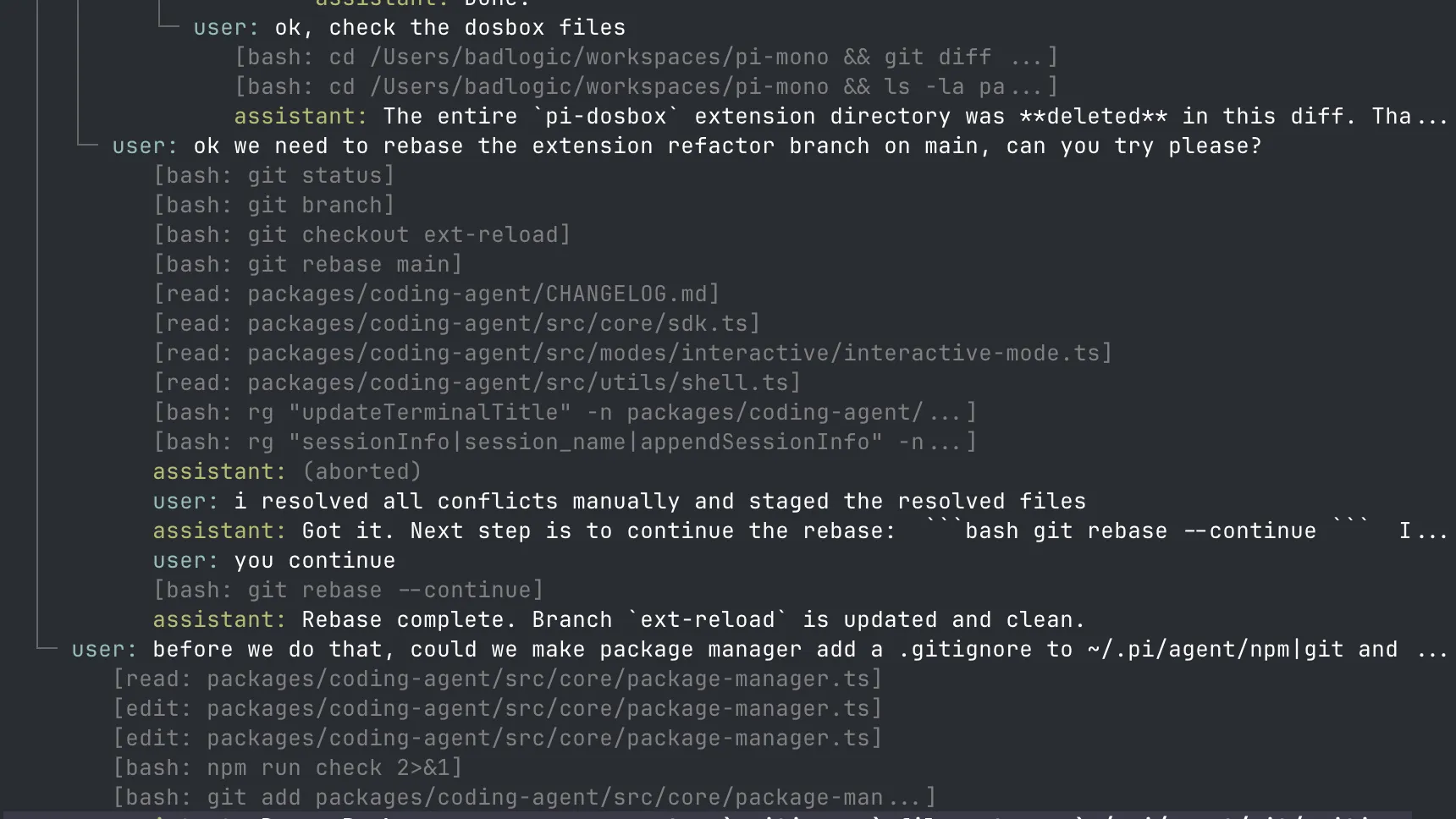
Developers can navigate earlier states, branch from previous points, create alternate approaches, and preserve those branches within the same session structure. Commands such as /tree, /fork, /clone, /resume, and /new support this workflow.
Sessions are saved automatically, making it possible to stop work and later resume the previous coding context.
This approach is especially useful when experimenting with multiple implementations or returning to a known-good point after an unsuccessful agent direction.
Interactive and Programmatic Modes
Pi supports several execution modes.
Interactive Mode
Running:
bash pi
starts the full terminal interface for conversational development.
Print Mode
One-shot tasks can be executed with:
bash pi -p "Summarize this repository"
This is useful in shell scripts and automation pipelines.
JSON Event Stream
Pi can output structured events instead of terminal-oriented text, making it easier to connect the agent to external programs.
RPC Mode
RPC mode exposes a JSON protocol over standard input and output, allowing non-Node.js applications to control Pi as a subprocess.
SDK
Pi's agent functionality can also be embedded directly into Node.js applications through its SDK, making the project useful as both an end-user coding agent and a foundation for custom agent products.
Installation
Pi is distributed through npm and other JavaScript package managers.
bash npm install -g --ignore-scripts @earendil-works/pi-coding-agent
Linux and macOS users can also use the official installer:
bash curl -fsSL https://pi.dev/install.sh | sh
After installation, navigate to a project and run:
bash cd /path/to/project pi
Authentication can then be configured through /login or through provider-specific API keys and environment variables.
Typical Use Cases
Pi can be used for tasks such as:
- Understanding unfamiliar repositories
- Implementing features
- Fixing bugs
- Refactoring code
- Writing and updating tests
- Running build and lint commands
- Reviewing code changes
- Creating project documentation
- Exploring alternative implementations in session branches
- Building reusable developer automation through skills
- Creating custom coding-agent workflows
- Embedding an AI coding agent into another application
- Automating coding tasks from scripts or CI-style environments
What Pi Intentionally Does Not Include
Pi differs from many coding agents because several common features are intentionally not mandatory parts of the core product.
The default harness does not attempt to impose features such as:
- Built-in sub-agents
- A mandatory plan mode
- Built-in MCP as the primary tool integration model
- Permission confirmation popups for every action
- Built-in task or to-do management
- Built-in background shell execution
Instead, these behaviors can be implemented through extensions, skills, packages, external tools, tmux workflows, containers, or custom integrations.
This philosophy keeps the core small while allowing advanced users to assemble an agent environment that matches their own development practices.
Security Model
Pi is a powerful local coding agent and should be treated similarly to other developer automation capable of executing commands.
Pi does not provide a built-in security sandbox. Its file and shell tools run with the permissions of the user account that launched the process. TypeScript extensions also execute with local user permissions.
Pi includes project-trust controls that can prevent unapproved repositories from automatically loading certain project-local extensions, packages, settings, skills, themes, and system prompt files. However, project trust is an input-loading safeguard rather than a runtime sandbox.
For untrusted repositories or unattended automation, the official guidance is to run Pi inside a stronger isolation boundary such as a container, VM, micro-VM, remote sandbox, or other policy-controlled environment, exposing only the files, credentials, and network access required for the task.
Who Is Pi For?
Pi is particularly suited to developers who prefer a programmable agent harness over a fixed AI coding product. It is a strong fit for engineers who want to choose their own models, control context precisely, create custom tools, reuse Agent Skills, automate terminal workflows, or embed an agent runtime into other applications.
Developers looking for an opinionated all-in-one experience with every feature enabled by default may find other coding agents simpler initially. Pi's main advantage is the opposite: a minimal foundation that can evolve with the user's workflow rather than requiring the workflow to adapt to the agent.